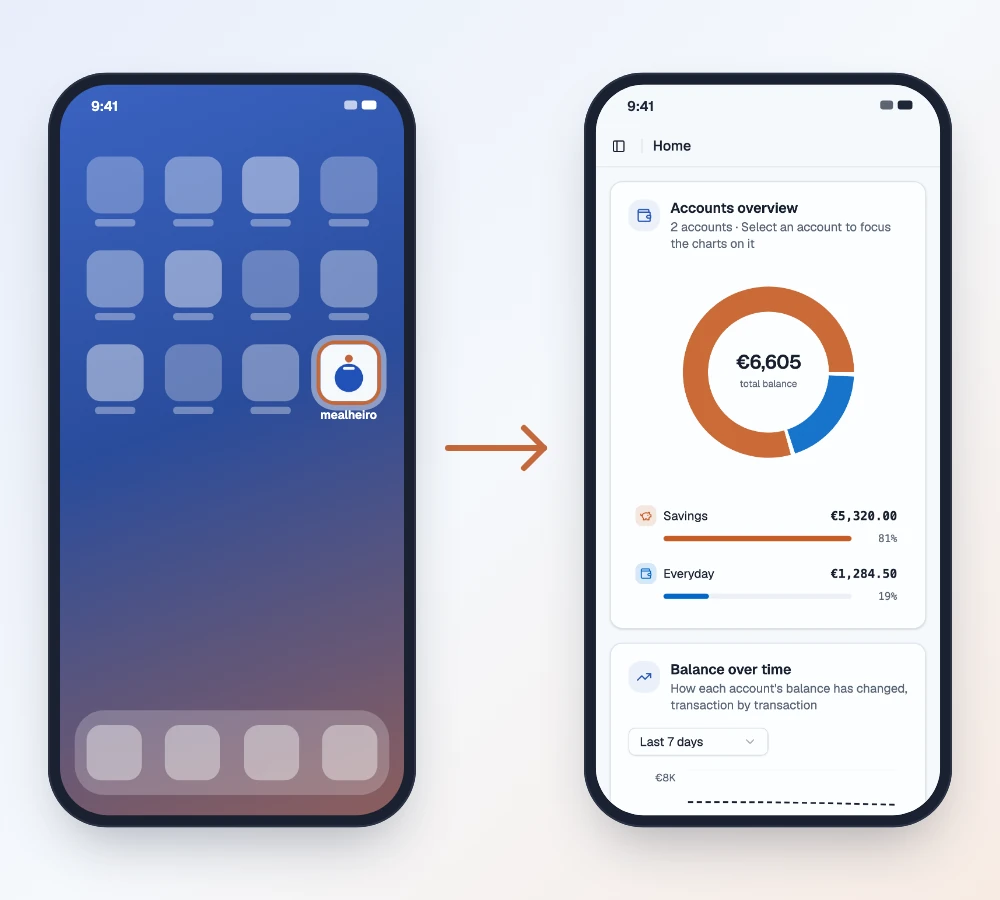
Checking a balance or logging a coffee should take seconds, not a search through browser tabs. You can now install mealheiro on your phone, so it sits on your home screen next to your other apps and opens with one tap.
Why install it
- One tap away. mealheiro gets its own icon on your home screen, so you skip the browser, the address bar and the hunt for the right tab.
- Full screen, like an app. The installed app opens without the browser's address bar and buttons, so your accounts and transactions get the whole screen.
- No app store. There's nothing to download from the App Store or Google Play. You add it straight from your browser, and it's always the current version of mealheiro.
- A friendly offline page. If your connection drops, you see a clear "you're offline" page instead of a browser error.
It's the same mealheiro and the same account, just closer to hand. The first time you open the installed app, you may need to sign in again.
On iPhone and iPad
Open mealheiro in Safari, sign in, then:
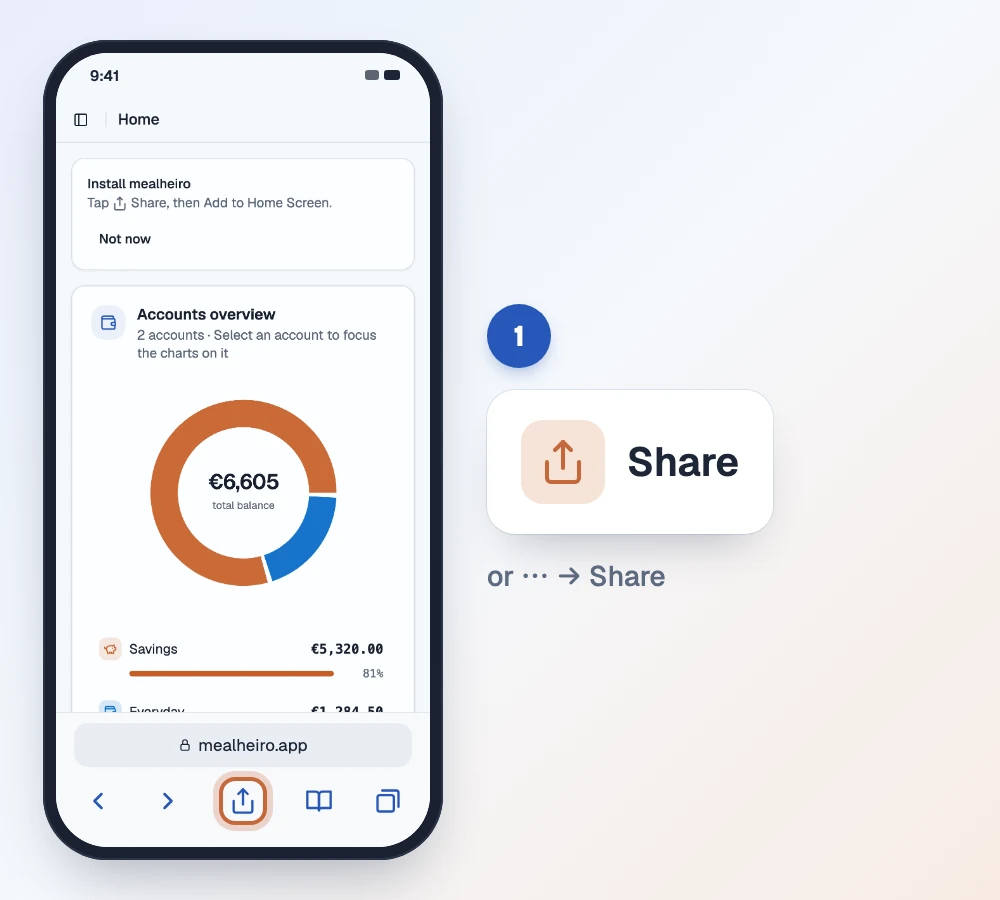
- Tap Share in the browser toolbar. On newer iPhones it may be under the ⋯ menu; on iPad it's at the top of the screen.
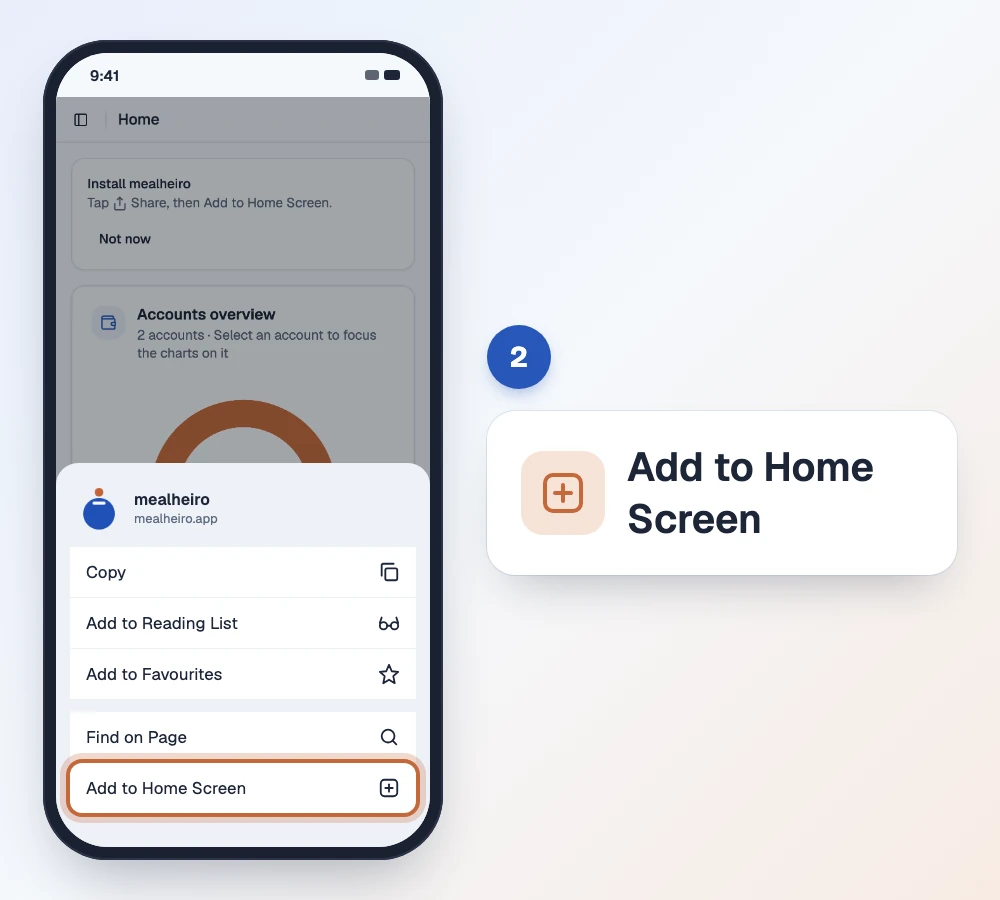
- Scroll down and tap Add to Home Screen.
- Tap Add in the top-right corner.
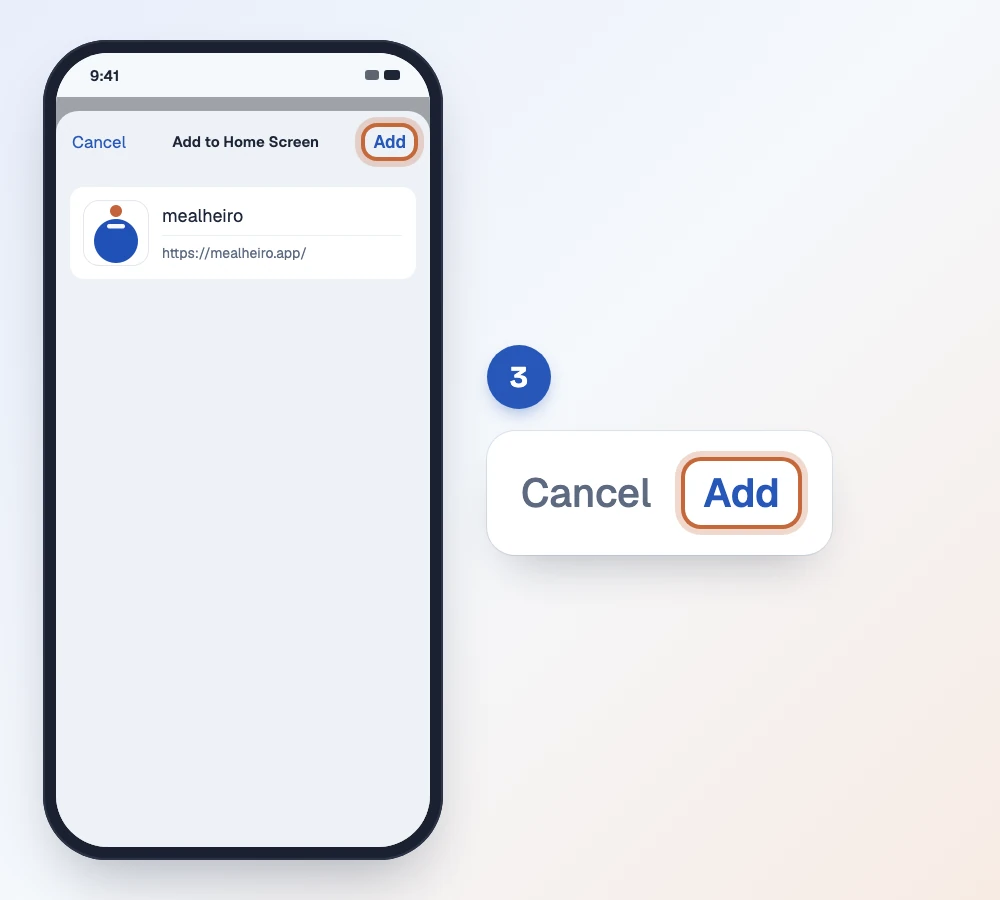
That's it: mealheiro is now on your home screen. On iOS 16.4 or later, Chrome, Edge and Firefox can add it too, through their own Share menu.
On Android
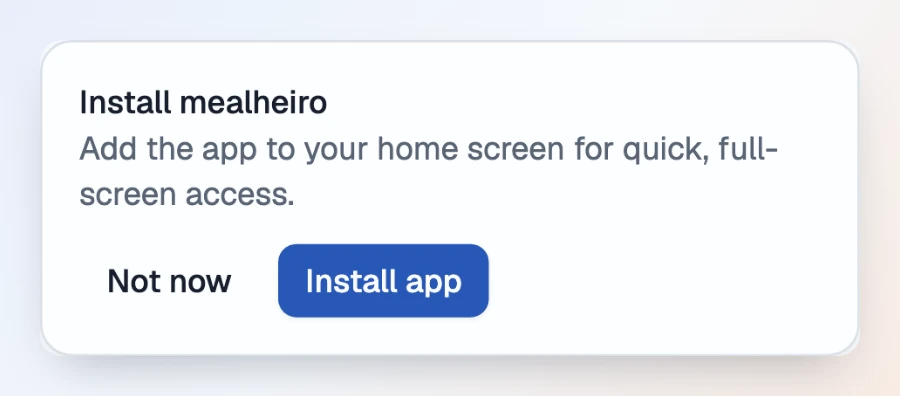
Open mealheiro in Chrome and sign in. When your phone can install it, mealheiro shows an Install mealheiro card at the top of the page. Tap Install app, then confirm with Install.
Prefer the browser menu? That works too:
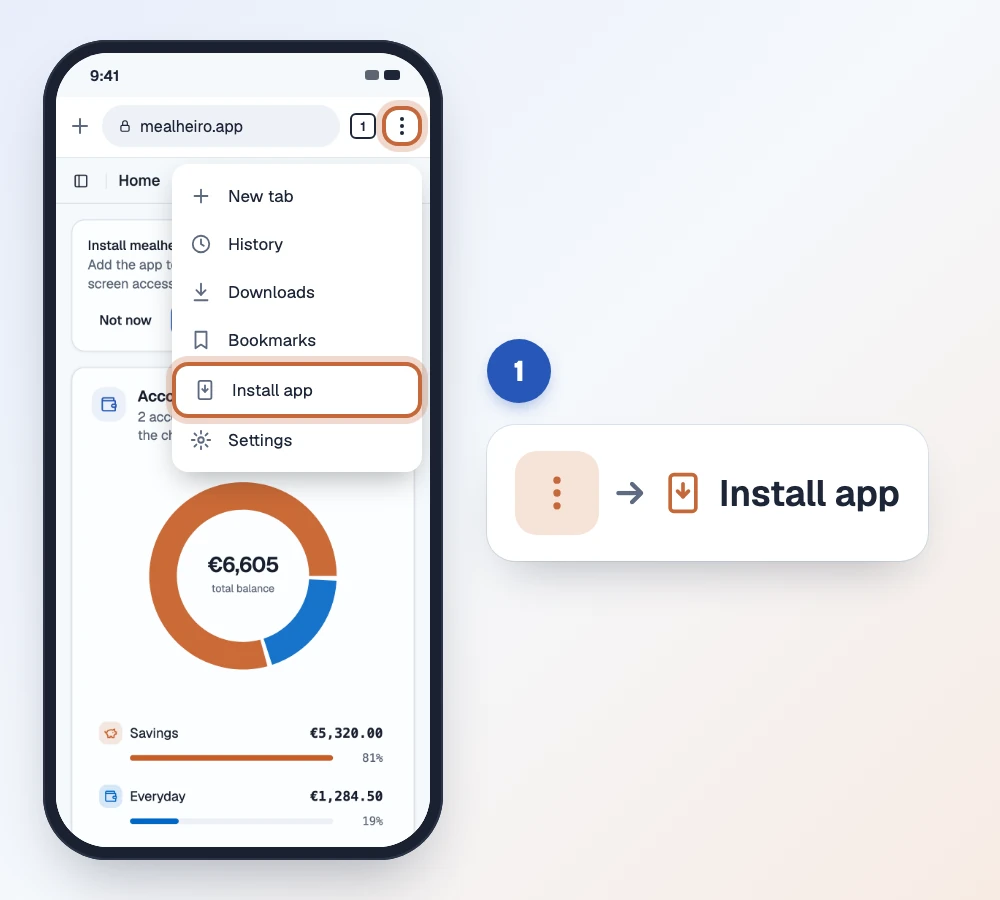
- Tap the ⋮ menu in the top-right corner and choose Install app (on some phones it's called Add to Home screen).
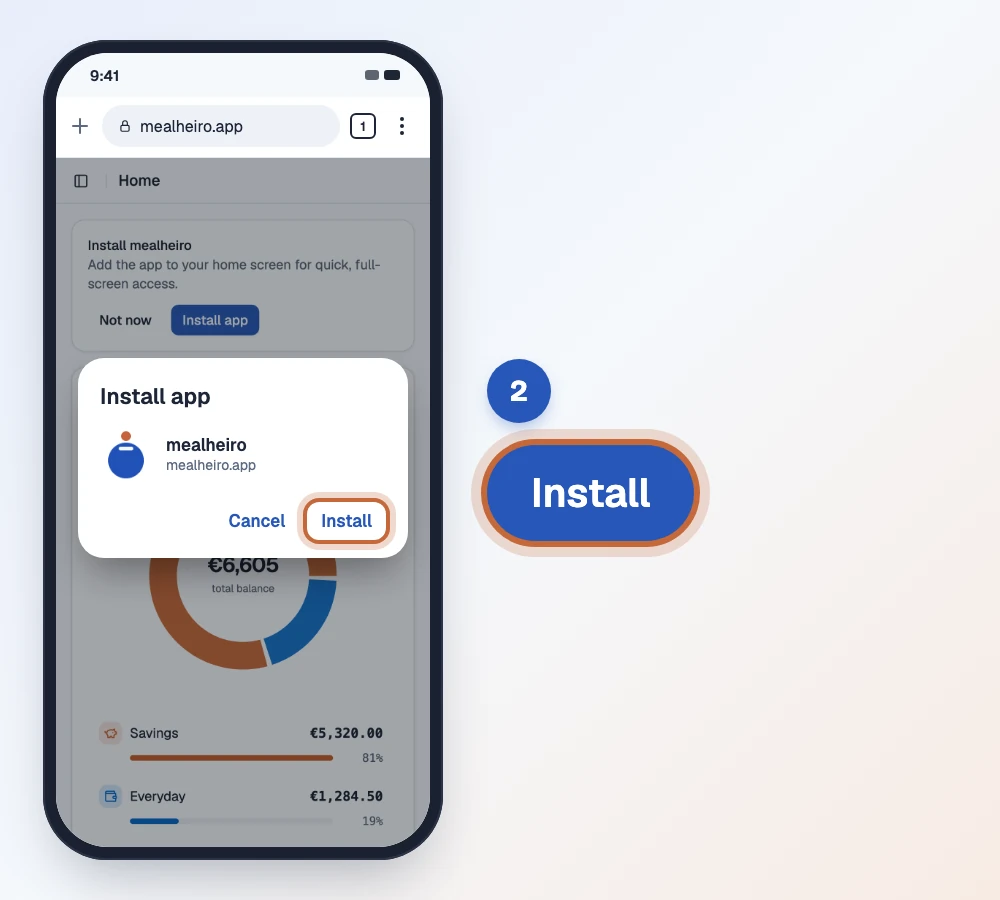
- Tap Install to confirm.
mealheiro will remind you
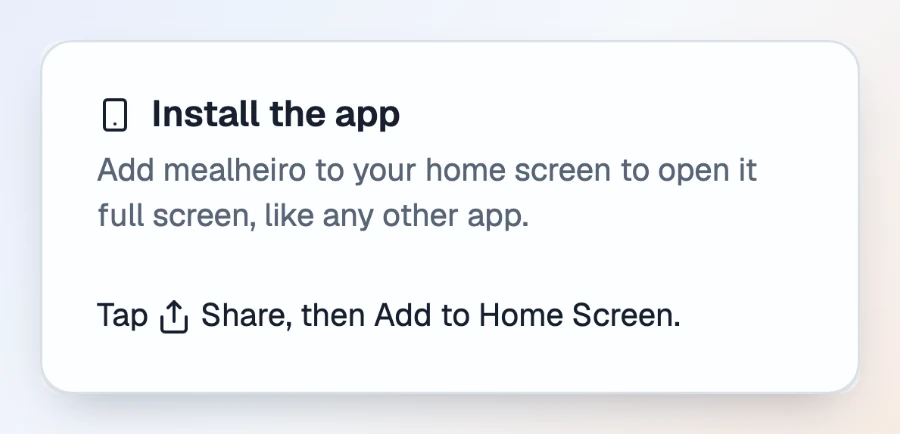
You don't need to remember any of this. When you use mealheiro in your phone's browser, the Install mealheiro card shows up at the top of the page with the right steps for your phone. On iPhone it reads "Tap Share, then Add to Home Screen."
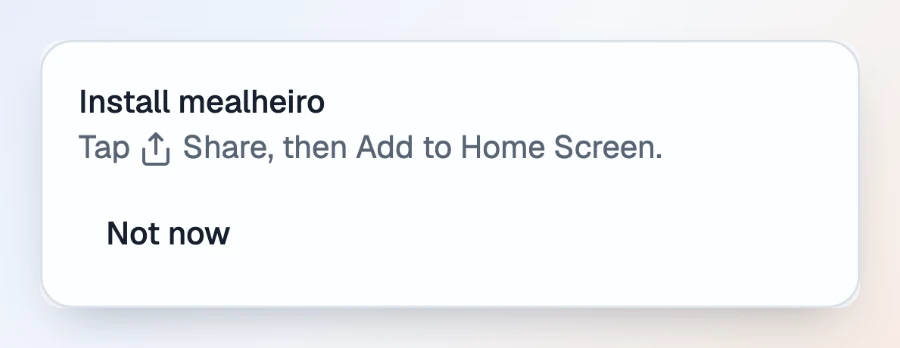
Not the right moment? Tap Not now and the card stays out of your way. Whenever you're ready, open Settings and find the Install the app card. On iPhone it shows the same Share steps; on Android it has an Install app button whenever Chrome offers to install mealheiro.
Give it a try
Open mealheiro on your phone, add it to your home screen, and your money is always one tap away. New here? Create your account: it's free while we're in beta.